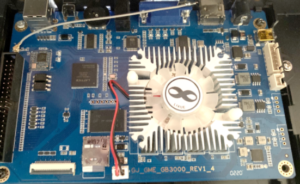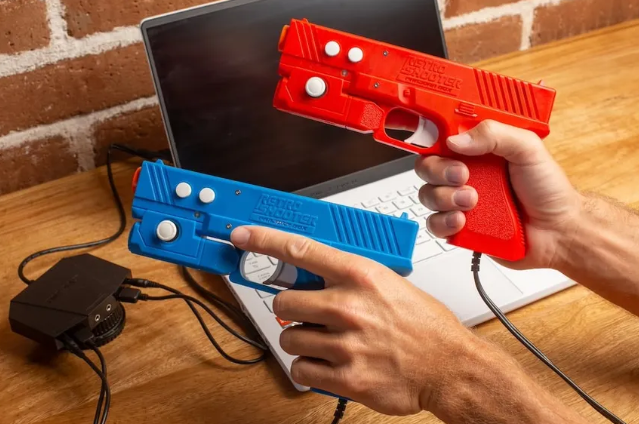
Got a white Retro Shooter console sitting around and wish it could do more? A new Team Encoder softmod lets it boot a customised Batocera installation from microSD, opening the door to more emulators and your own game library.
The release caught our attention straight away. It’s available from Team Encoder’s Retro Shooter page, and if you already own a supported console, it’s well worth a look.
Keep in mind that this is an early release. It isn’t a promise that every gun, controller and game will behave perfectly, so check the compatibility information before diving in.
What Has Team Encoder Released?
Team Encoder already has a history of opening up arcade hardware, including Arcade1Up OutRun, Fast & Furious, Terminator 2 and NFL Blitz cabinets, along with controller fixes for Marvel vs. Capcom, X-Men vs. Street Fighter and Street Fighter II Big Blue cabinets.
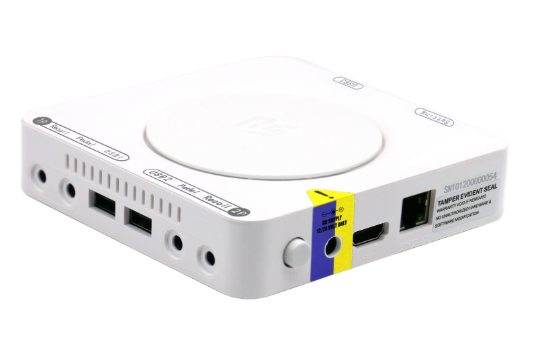
This time, the target is the Retro Shooter white box.
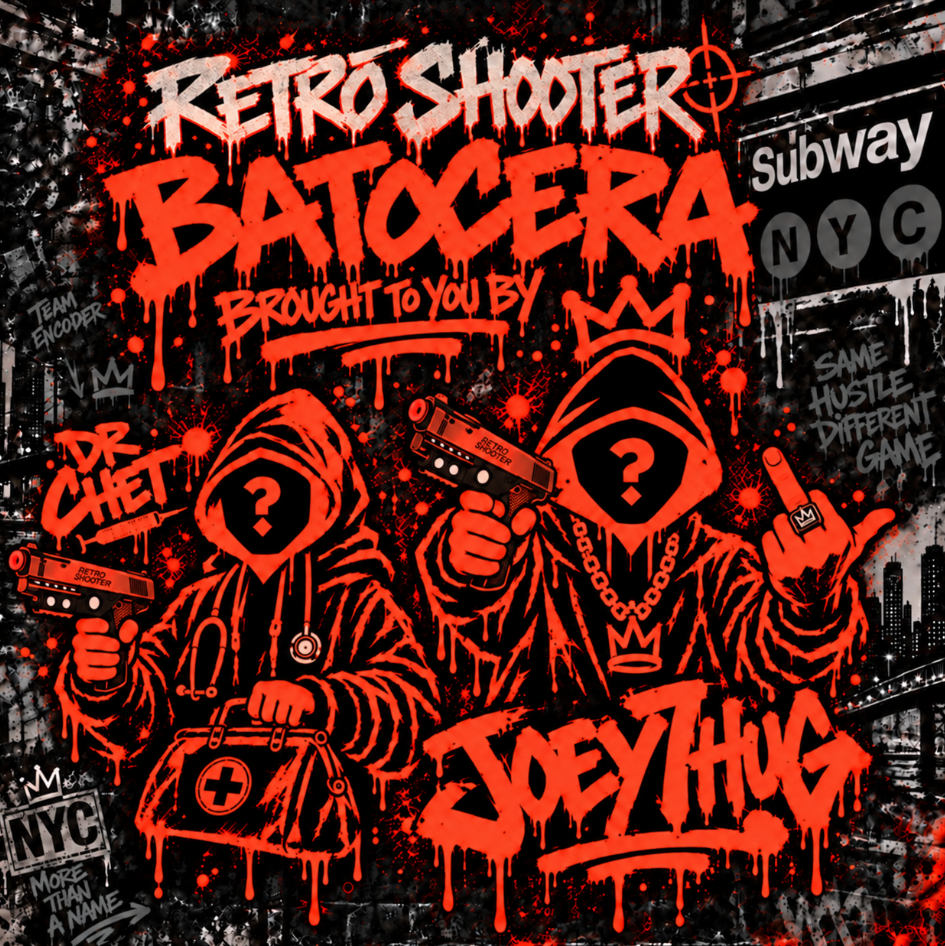
The developer, Joseph “Joey Thug” Hernandez, began sharing teaser footage on 24 September showing additional emulators running on the console. The result is a modified Batocera build rather than simply a few extra games bolted onto the stock 3A menu.
It appears to use a custom theme and configuration, with some settings restricted in the initial beta.
A Simple Way to Switch Between the Mod and Stock Firmware
One particularly useful aspect of the release is that it keeps the modified system separate from the original firmware.
Boot with the prepared microSD card inserted to use the mod; power down and remove it to return to the stock firmware.
A removable card is a rather civilised way of experimenting. No need to turn every evening’s gaming into a formal commitment.
More Emulators, Sensible Expectations?
The demonstrations and developer updates cover systems including NES, SNES, Master System, Mega Drive, PlayStation, Dreamcast and Sega Model 2, with lightgun games naturally attracting plenty of interest.
We haven’t benchmarked these ourselves, so don’t read that list as a guarantee of full-speed performance across every game. Sega Dreamcast and Sega Model 2 are especially on our radar, as they don’t usually run especially well when it comes to low powered Pandora Box style hardware.
We need to remember that this is still a small console with limits. Installing another operating system doesn’t cause a workstation to sprout beneath the heatsink. For demanding PS2 games or modern PC arcade software, a suitable PC remains the more sensible route.
What About the Lightguns?
Lightgun compatibility deserves particular care.
Development initially focused on the original red and blue Retro Shooter guns. Some owners on Facebook have reported mixed results with Reaper guns, including trouble with menu navigation and in-game controls.
Some keyboards and gamepads have also proved awkward, and restricted settings can make remapping harder.
Check the latest release notes for your exact console and gun combination before buying anything specifically for this mod.
Although some owners report success on black boxes, the official release is presented for the white-box console. We wouldn’t assume every Retro Shooter revision is interchangeable.
How to Install the Retro Shooter Mod
Start with the download and instructions on Team Encoder’s official Retro Shooter release page.
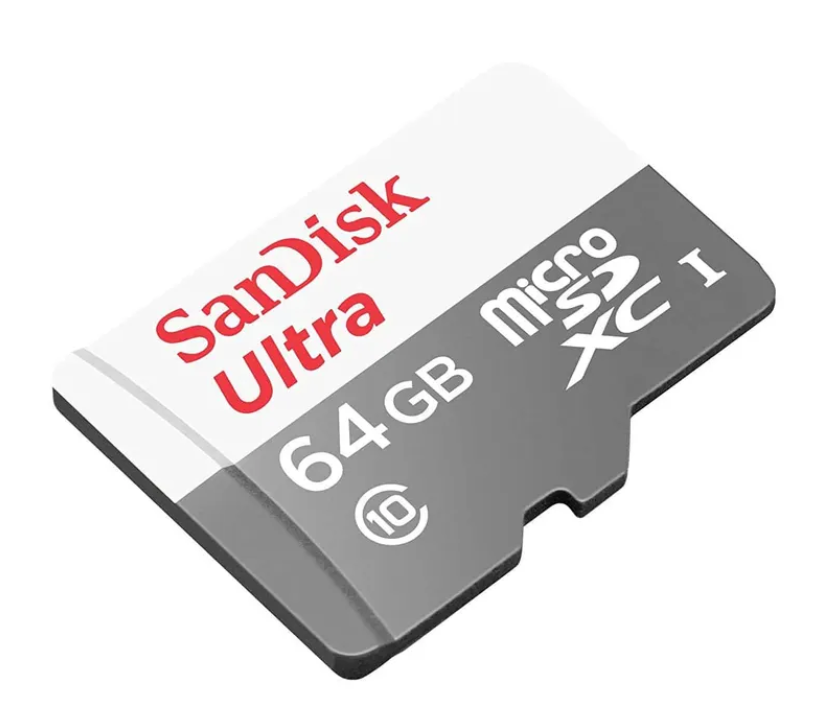
The package uses a Windows EXE flasher, currently distributed inside a ZIP archive. Use a spare, reputable Class-10 microSD card; 32 GB is a sensible starting point, with available game space depending on your library.
⚠️ IMPORTANT: Flashing erases the selected card.
Back up anything on the card and double-check the destination before proceeding. Your computer’s system drive is not an adventurous substitute for a microSD card.
- Download and extract the release package on your Windows PC.
- Insert the microSD card, open the included flasher and select that card carefully.
- Flash the card and wait for completion before safely ejecting it.
- With the console powered off, insert the card and switch it on. Allow the first boot and storage setup to finish without interrupting power.
- Shut down, remove the card and connect it to your computer again.
- Add your own legally obtained ROMs to the appropriate system folders. Some systems also require BIOS files. If your computer cannot read the game partition, use Batocera’s network share where available; do not accept a prompt to format the game partition.
- Safely eject the card, reinsert it and start the console. Select your games from the new menu.
Expect to supply your own lightgun game collection. This is a way to run games, not a promise of a ready-filled arcade library.
Follow any gun setup or calibration instructions supplied with the release, and check that you can navigate and exit a game before settling in.
Using macOS or Linux
You don’t have to run the Windows flasher to obtain its disk image. With 7-Zip installed, extract the downloaded ZIP, then extract the EXE itself:
7z x EncoderShooterFlasher.zip -oRetroShooter
7z x RetroShooter/EncoderShooterFlasher.exe -oRetroShooter/image
Those are the filenames in the beta package we inspected; adjust them if a later release uses different names.
Its embedded image is EncoderShooter-beta1.img. On installations where the 7-Zip command is named 7zz, use that instead of 7z.
Flash the extracted IMG to the microSD card with Balena Etcher, selecting the image, then the card, then Flash.
Alternatively, experienced users can use dd with the verified whole-card device as the destination, not an individual partition.
⚠️ Be extremely careful with dd.
Since device names differ between computers, we won’t give you a copy-and-paste command that might efficiently erase the wrong disk. Make absolutely certain you have identified the correct microSD device before writing an image to it.
Once flashed, continue with the console’s first boot and game-copying steps above.
Why We’re Interested in the Pandora 10th Connection
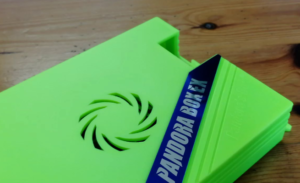
The Retro Shooter console uses software similar to the Pandora 10th, so a working Linux boot on one is an interesting lead for investigating the other.
It could provide clues about the boot process and the hardware description needed to get beyond the stock software.
Our Own Test
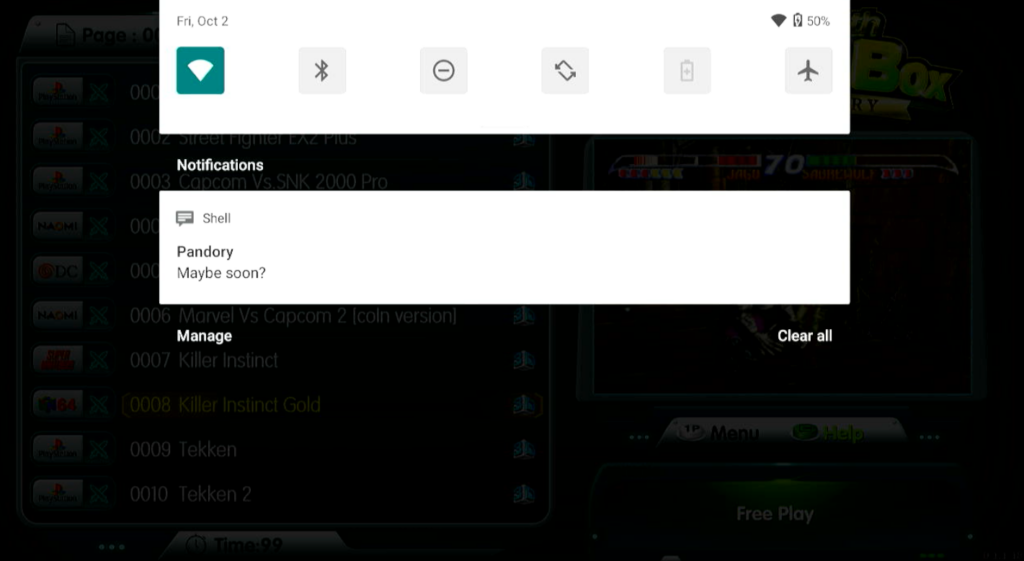
Unfortunately, we don’t have a Retro Shooter console to test. The manufacturer wasn’t willing to ship one to Japan… Or even Team Pandory whatsoever, so our hands-on curiosity met a fairly decisive geographical boundary.
… We tried this image on our Pandora 10th anyway!
It did not successfully boot there. The console did behave differently with the microSD image inserted, suggesting it may be attempting to boot from the card.
That’s a useful lead, but not proof of a working installation or cross-console compatibility. Similar software does not necessarily mean identical hardware.
Should You Try It?
For now, our advice is straightforward: if you already have the supported Retro Shooter hardware and a spare card, check out the release, read the compatibility notes and keep your expectations appropriate for a beta.
We wouldn’t buy a console solely on the assumption that this particular mod will support every accessory you want to use.
For existing owners, however, the release opens up some interesting possibilities. A console that was previously tied fairly closely to its stock software can now be used as a small Batocera-based emulation machine, while retaining the option of returning to the original firmware simply by removing the microSD card.
What Could This Mean for the Pandora 10th?
Stay tuned. This is exciting for Retro Shooter owners, but we’re particularly interested in what it could mean for the Pandora 10th.
If these clues help us get Linux running on the 10th, we could be looking at more emulators, more control over the software and a proper alternative to the stock 3A menu.
No promises yet, but there may be a lot more fun hiding in that box than its original menu lets on.